
C1233 on a 2006-2010 Ford Explorer: ABS Light and the Left Front Wheel Speed Sensor
 JC Landry, ASE Master TechnicianPublished Oct 7, 2026 · Updated Oct 27, 2026
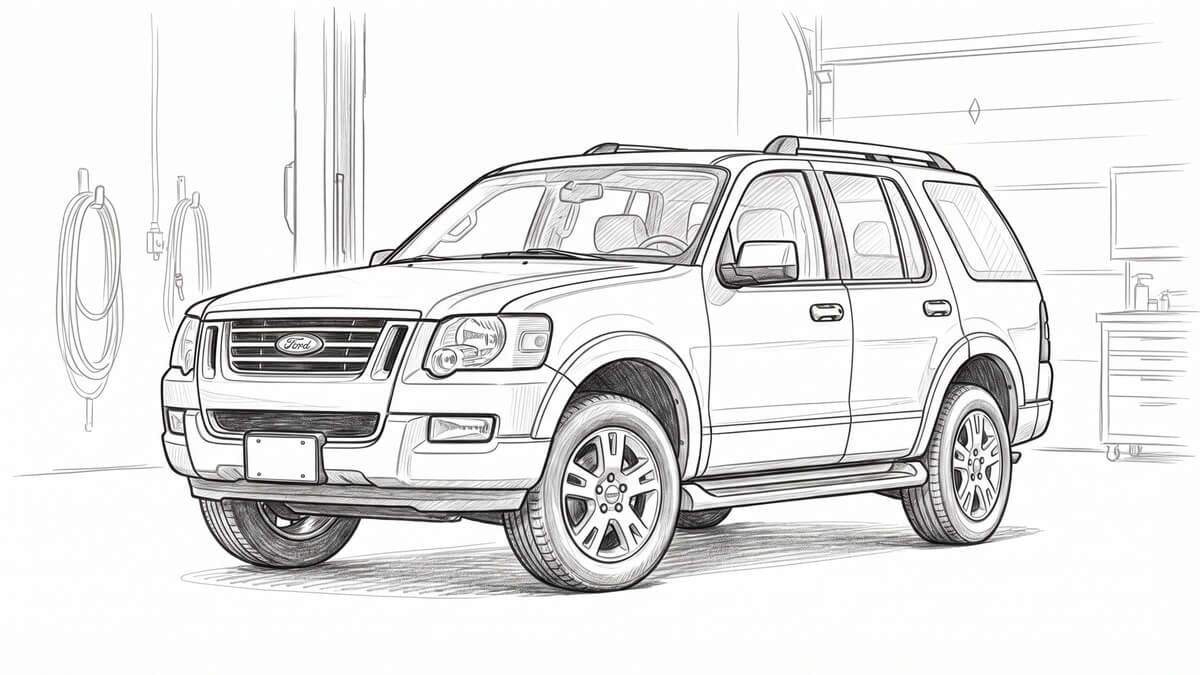
C1233 on a 2006-2010 Ford Explorer (4.0L V6 or 4.6L V8) means the ABS module is not getting a usable signal from the left front wheel speed sensor. Start with the sensor, its wire and the tone ring in the hub, since damage there is the most likely cause. A scan tool wheel speed readout confirms the corner quickly. Brakes and power assist still work, but ABS and stability control are off, so get it fixed soon.
Safety first
Support the caliper and anchor plate on wire. Never let them hang from the brake hose.
Anchor plate bolts, hub bolts and the halfshaft nut are one-time-use parts. Fit new ones and torque them to spec.
With C1233 set, stability and traction control are off. Allow longer stopping distances on wet or loose surfaces.
What does C1233 mean on a 2006-2010 Explorer?
C1233 (Wheel Speed LF Input Signal Missing) points at the left front wheel speed sensor input to the ABS module. The tooth ring that sensor reads is built into the front hub and bearing assembly.
The ABS module sets C1233 on either of these conditions, each on its own:
- No signal from the left front wheel speed sensor while vehicle speed is above 15 km/h (9 mph).
- Two wheel speed values differ by more than 25 km/h (16 mph).
The ABS module sets the code and requests the lamp. Any ABS fault disables stability control and turns on the ABS warning light. The stability and traction indicator also comes on when stored ABS codes tie directly to those systems. Power-assisted braking works normally, and electronic brake distribution keeps working unless codes are stored for both wheel speed sensors on one axle or for the hydraulic unit.
Two groups of related codes matter here:
- C1155 (left front wheel speed sensor input circuit failure) sets when the module sees an open, a short to ground or voltage, or a defective sensor input circuit. If it is stored alongside C1233, deal with the circuit fault first. C1145, C1165 and C1175 are the matching codes for the other corners.
- C1234 (right front), C1235 (right rear) and C1236 (left rear) use the same two set conditions as C1233, with the same figures.
What symptoms does C1233 cause on the Explorer?
- ABS warning light on.
- Stability and traction control indicator lit.
- Stability control and traction control unavailable while the code is set.
- At very low speed, the front brakes can grab or pulse with no pedal input.
- It can also set with nothing you notice beyond the lamp, especially if a connector is making and breaking contact.
What causes C1233 on the Explorer, most likely first?
Here is the order I would work through, from the most common to the least.
| Rank | Cause | Quick Confirm | Typical Fix |
|---|---|---|---|
| 1 | Left front wheel speed sensor damaged or dirty | Left front speed reading missing or erratic on the scan tool; sensor or wire visibly damaged or contaminated | Clean or replace the sensor |
| 2 | Sensor wire chafed or pulled against the tire or suspension | Follow the harness in good light and look for rub marks and cuts | Repair or replace the sensor, re-route and secure the harness |
| 3 | Tone ring damaged, or front wheel bearing and hub worn | Missing or damaged teeth as you turn the wheel; play or roughness in the bearing | Replace the hub and bearing assembly (the ring is part of it) |
| 4 | Loose sensor mounting or loose or corroded connector | Sensor moves in its bore; green or white corrosion or a loose fit at the connector | Tighten the bolt to spec, clean and reseat the connector |
| 5 | Mismatched tire sizes or wrong tire pressure | Compare all four tires to the certification label | Fit matching correct tires and set pressure |
| 6 | ABS module (least likely) | Everything above checks out and the code returns; module connector corroded or terminals spread | Repair the connector; new module only as a last step, then configure it |
Ford issued service item 44429 for 2006-2010 Explorers on routing the front wheel speed sensor harness correctly, so the tire and suspension parts do not damage it. That is the same failure as cause number 2.
How do you diagnose C1233 on a 2006-2010 Explorer?
You will need a scan tool that reads ABS data, basic hand tools, jack stands or a hoist, a torque wrench and a length of wire to hang the caliper.
- 1
Read the ABS module codes before you clear anything. If C1155 or a circuit code for another corner is stored, chase that circuit fault first. If C1233 is alone, carry on. This sorts a wiring or circuit problem from a signal problem.
- 2
Compare the four wheel speeds. In the ABS data view, drive above 20 km/h (12 mph) and watch all four readings against the speedometer. A left front reading that is missing, erratic or far off the others confirms the corner. If all four agree, you are chasing an intermittent, so go heavy on the connector and wire checks.
- 3
Check the easy things. Confirm all four tires match in size and have correct pressure. Look at the left front sensor for a loose mounting bolt, damage or dirt. Follow the wire in good light for cuts, chafing and rub marks from the tire or suspension, and check the connector for corrosion.
- 4
Check the tone ring and bearing. Turn the wheel and look for missing or damaged teeth, then check the bearing for play or roughness. The ring is part of the hub and bearing assembly, so a damaged ring means a new hub assembly. If your hub needs replacing, the procedure differs by drive type (4WD has a halfshaft nut, RWD does not), so run your exact setup through the emanuals.ai chatbot before you start.
- 5
Repair what you found: a cleaned or new sensor, a new hub assembly, a re-routed wire, a reseated connector or corrected tires.
- 6
If everything checks out and the code returns, look closely at the ABS module connector for corrosion, pushed-out pins and spread terminals. Only after that is a new module justified, and it has to be configured with the scan tool afterward.
Get the wheel speed sensor tests for your Explorer
Ask emanuals.ai "C1233 left front wheel speed sensor circuit test" and it reads the test steps and values from the Explorer workshop manual for your model year.
Specs you need for the Explorer C1233 repair
| Front wheel speed sensor bolt | 17 Nm (150 lb-in) |
|---|---|
| Front wheel speed sensor harness bolt | 8 Nm (71 lb-in) |
| Brake caliper anchor plate bolts (use new bolts) | 165 Nm (122 lb-ft) |
| Wheel bearing and hub bolts, 3 (use new bolts) | 122 Nm (90 lb-ft) |
| Halfshaft nut, 4WD only (use a new nut) | 250 Nm (184 lb-ft) |
| Wheel nuts, star pattern | 135 Nm (100 lb-ft), retighten within 160 km (100 mi) |
| Brake fluid, only if you open the hydraulic circuit | High Performance DOT 3, WSS-M6C62-A or WSS-M6C65-A1; 1020 ml (2.15 pt) system fill |
This repair does not normally open the brake lines, since you hang the caliper and anchor plate on wire.
What if the obvious fix does not work?
The classic mistake here is replacing the sensor when the hub or tone ring is the real fault. If a new sensor does not stop the code from coming back, go straight to the ring and bearing, and expect to change the whole hub assembly.
Next suspects after that:
- A wire that looks fine but is rubbing at full steering lock or suspension travel. Re-check the routing along its full length.
- A connector that passes a quick look but has corrosion or a loose fit inside. Clean it and reseat it, and do not force standard meter probes into the terminals, because that spreads them and creates a new fault.
- Tires that are not truly matched. Mixed sizes or a badly low tire can set this code on their own.
Here is your stop point. If the code returns with the sensor, wire, connector, hub and tires all sorted, or if codes show up for both sensors on one axle, the problem is bigger than a single corner. At that point the ABS module connector and the module itself are on the table, and electronic brake distribution can drop out when both sensors on one axle are flagged, so treat the brakes with extra care until it is sorted.
How do you confirm the repair?
- Clear the codes with the scan tool.
- Run the stability sensor calibration from the scan tool with the vehicle on level ground and not moving. A stability indicator flashing about once every 2 seconds tells you it still needs one.
- Drive straight above 40 km/h (25 mph) for at least 60 seconds, then run the ABS self-test.
- The code should stay away and the ABS warning light should stay off. Check the left front reading against the other three on the same drive.
Questions mechanics ask about C1233 on the Explorer
Can you drive a 2006-2010 Explorer with C1233?+–
Yes, short term. The brakes work and power assist is normal, but anti-lock and stability and traction control are off. Allow longer stopping distances on wet or loose surfaces and get it fixed soon.
Will C1233 clear itself on the Explorer?+–
Do not count on it. A loose or corroded connector can make the code come and go, but the fix is to find the cause and clear the code with the scan tool afterward.
Is C1233 covered by a bulletin or warranty on the Explorer?+–
Ford's service item 44429 covers front wheel speed sensor harness routing on these years. Do not count on the repair being free.
What else sets with C1233 on the Explorer?+–
The matching codes for the other corners are C1234 (right front), C1235 (right rear) and C1236 (left rear). If C1155 is stored, handle that circuit fault first.
Do I replace the sensor or the hub on my Explorer?+–
Check the sensor, wire and connector first, then the ring and bearing. If the ring is damaged or the bearing is worn, the hub assembly is the repair, and a new sensor alone will not hold.
Sources
- Ford Explorer Service & Repair Manual, section Anti-Lock Brake System (ABS) and Stability Control (4.0L V6 and 4.6L V8).OEM Manual
- Ford Online Automotive Service Information, item 44429, "Front Wheel Speed Sensor Wire Harness Routing" Job Aid, 2006-2010 Explorer, March 2014.Service Bulletin
- emanuals.ai, Query data, "C1233 Ford Explorer" clusterFirst-Party Data

ASE Master Technician
JC spent 15+ years as a certified Master Mechanic before trading the shop for the keyboard. He's worked across dealerships, owned and operated his own independent garage, and consulted on automotive trade school curricula, reviewing technical textbooks used in vocational programs.
He now serves as Editor-in-Chief at emanuals.ai, where he oversees the platform's technical content. He's one of the few voices in automotive publishing who turned wrenches professionally for decades before he had a byline.
Ask emanuals.ai about your car
Answers come from the actual factory manual for your make, model and year, with the page cited. Join the waitlist and we will email you when a spot opens up.
Invite-only beta. No spam, one email when your spot opens.